🛒 How Local Cart Works
Everything you need to know about using this website — comparing prices, reading the map, building your shopping list, and what is coming next.
📈 Compare Prices
The Compare Prices page is the heart of Local Cart. You build a shopping list and every grocery store near you prices it side by side.
Building your list
- Brand (optional) — type a brand like Lucerne or leave it blank for any brand.
- Size (optional) — the package size, such as 1/2 gallon, 20 oz, or family pack.
- Item (required) — the thing you are buying: Milk, Eggs, Chicken.
- How Many (required) — the quantity you want. If you need 2 dozen eggs, put dozen in Size and 2 in How Many. If you leave this blank the page will ask “How many ____ do you want?” with the name of your item filled in.
- Press Add to List. Repeat for every item in your cart.
Copy items from a store’s website
Click the emblem to the left of any store card on Compare Prices to open that store’s website in a new tab. Copy whatever you want from their site — the brand, size, item name, and how many — then paste those details into the Brand, Size, Item, and How Many boxes on Compare Prices and press Add to List. Your Local Cart tab stays open, so you can switch back and pick up exactly where you left off.
Reading the results
After you enter your Zip Code, adjust the Distance Radius, and press Find Local Stores & Compare, each store in the map area gets a card. The cards are accordion drop-downs: click any store to expand it and see every item in your list with its price at that store. The store with the lowest total is highlighted in green.
🛒 Chain Store Pricing Is Location-Based
Chain stores adjust prices based on neighborhood demographics and local store operating costs:
- Demographic Pricing: The same chain (like WinCo) may offer different everyday prices depending on the neighborhood. For example, 1 lb of ground beef might sit at $5.25 at the 82nd & SE Powell (poorer neighborhood, homeless communities) location, while averaging around $6.00 in suburban areas like Tigard (richer communities, less homeless).
- Unadvertised Door Busters: Stores (especially Fred Meyer) frequently feature “Door Buster” meat offers that are not listed in their weekly bargain ads. They package a limited batch of meat and put it out on the shelf. Those packs are not in the store’s sales flyer. Once they sell out, they are gone until the next unannounced batch. Current examples:
- 2.25 lb packs of ground beef for $12
- $5 racks of chicken legs
- $5 racks of chicken thighs
How Local Cart Helps You Save
Local Cart lets you compare these exact localized differences side-by-side so you can choose whether saving a few extra dollars is worth visiting a nearby neighborhood grocer or grabbing limited-time door-busters before they sell out.
🗺 The Interactive Map
When you press Find Local Stores & Compare, a floating map appears in the corner of your screen. It shows every grocery store in your area as a red pin. The map and your shopping list results are connected — here is how:
Zoom Out (minus)
The map shrinks, covering a larger area. More stores appear. Your Distance Radius increases automatically. More store cards show up in your shopping list results.
Zoom In (plus)
The map enlarges, covering a smaller area. Stores outside the view are removed. Your Distance Radius shrinks automatically. Fewer store cards in the results.
Pan / Drag
Click and drag the map in any direction to look at a different neighborhood. Stores are added or removed as they enter or leave the visible area.
Update Map Area
While you zoom or drag, the green bar says nothing. When you stop, an “Update Map Area” button appears. Click it to refresh the store list and shopping carts for the new area.
Moving and closing the map
- Drag the green bar at the top of the map to reposition the panel anywhere on your screen.
- The ― button collapses the map down to just its green bar. Click it again to restore it.
- The × button closes the map entirely. To bring it back, press Find Local Stores & Compare again.
🏪 Browse Store
On the Compare Prices page, every store card has two copies of that store’s emblem. The emblem inside the card identifies the store. The matching emblem to its left sits outside the card border and opens that store’s own website.
How to use it
- Press Find Local Stores & Compare so the store cards appear.
- Look to the left of a store’s emblem — for example, the Safeway logo on the Safeway card. You will see the same emblem again, just outside the card.
- Click that left emblem. The store’s website opens in a new browser tab.
- Copy the items you want from that store’s site — brand, size, name, and how many. Switch back to the Local Cart tab and paste those details into Compare Prices, then press Add to List.
- Your Local Cart tab stays exactly where you were on pdxcart.com. Close the store’s tab, or click back to it, to pick up where you left off.
👤 Login, Free & Pro Tiers
What is planned
- Free Tier — Compare prices, browse store websites, and use the map with no account required. Privacy-first: nothing is tracked or saved.
- Pro Tier ($10 a month) — History of the stores you search, an inventory of items you buy (any product a store sells, not only food), and those lists stay connected to Compare Prices. Every Pro user gets a 30-day free trial. Payment information is not collected until after the trial, if you choose to continue.
There will always be a fully functional free version of this website.
📅 History
History is a Local Cart Pro feature. It is $10 a month. Every Pro user gets a 30-day free trial. We do not collect your payment information until after the trial, if you continue with Local Cart Pro.
The History page and the Compare Prices page stay connected. What you do on one auto-fills the other.
Recent stores
Stores you save appear here, most recent first, with the address on the left. On the right:
- Green check — send that store to Compare Prices. It stays on Compare Prices for this shopping session even if you move or zoom the map. It does not go away until you log out.
- Red X — remove that store from History.
On Compare Prices, the same green check next to a store means “save this to my History list.” The red X next to the store removes it from History.
Inventory
Items you save — including the brand — appear here. This list is not limited to food. Whatever the store is selling can go in inventory. On the right:
- Green check — add that item to your Compare Prices shopping list so you can buy it again.
- Red X — remove it from inventory.
On Compare Prices, the green check next to a product saves it to History inventory. The red X next to the product removes it from inventory.
Asian Markets
- Unbeatable Back Butcher Counter: Specialty markets like Saigon Market (on SE 82nd & Foster) feature a large butcher section in the back with long glass displays and trays (charolas) of fresh meats. This back butcher shop underbids nearly all major supermarkets on poultry, beef, pork, and fresh seafood.
- Hard-to-Find Cuts & Variety: Beyond standard staples, their back butcher section offers specialized cattle cuts, pork, and fresh seafood options that conventional supermarkets don’t carry.
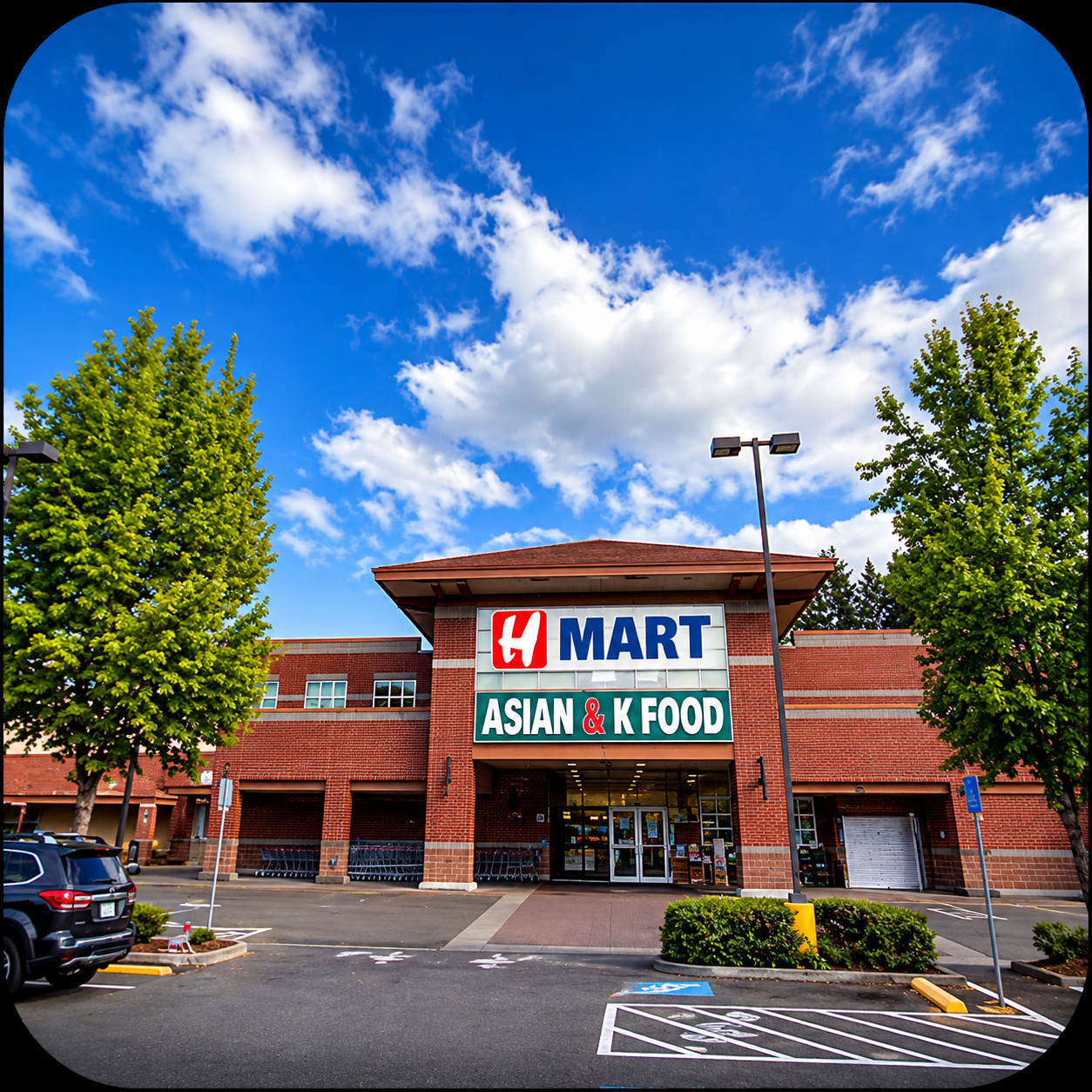
- Regional Chains & Suburban Outlets (H Mart Concept): In surrounding suburban areas, regional chains like H Mart follow this exact same model: highly competitive, budget-friendly butcher sections paired with higher-priced packaged shelf goods.
- Specialized Cookware & All-Size Woks: While shelf groceries run higher, stores like H Mart are exceptional sources for specialized cookware. They carry woks in all sizes—essential for real cooks when tossing and combining meats, vegetables, and sauces over high heat—along with specialized pans, hotpot pots, and outdoor cooking equipment (including portable propane and butane burners and grill setups).
- Everyday Savings on Staples: Ground beef and pork in the butcher section are priced significantly below standard store rates. Because of these low prices, high-demand fresh meats routinely sell out by 1:00 PM – 2:00 PM. Fresh shipments arrive daily, so shopping in the morning gets you the best selection.
- Packaged & Shelf Items: While their back butcher meats outbid everyone, packaged shelf items and front counters are more expensive than major chains—and driving out to these specific locations isn’t convenient for everyone. Local Cart helps you compare whether making an extra trip for butcher-only savings or specialized cookware fits your trip.
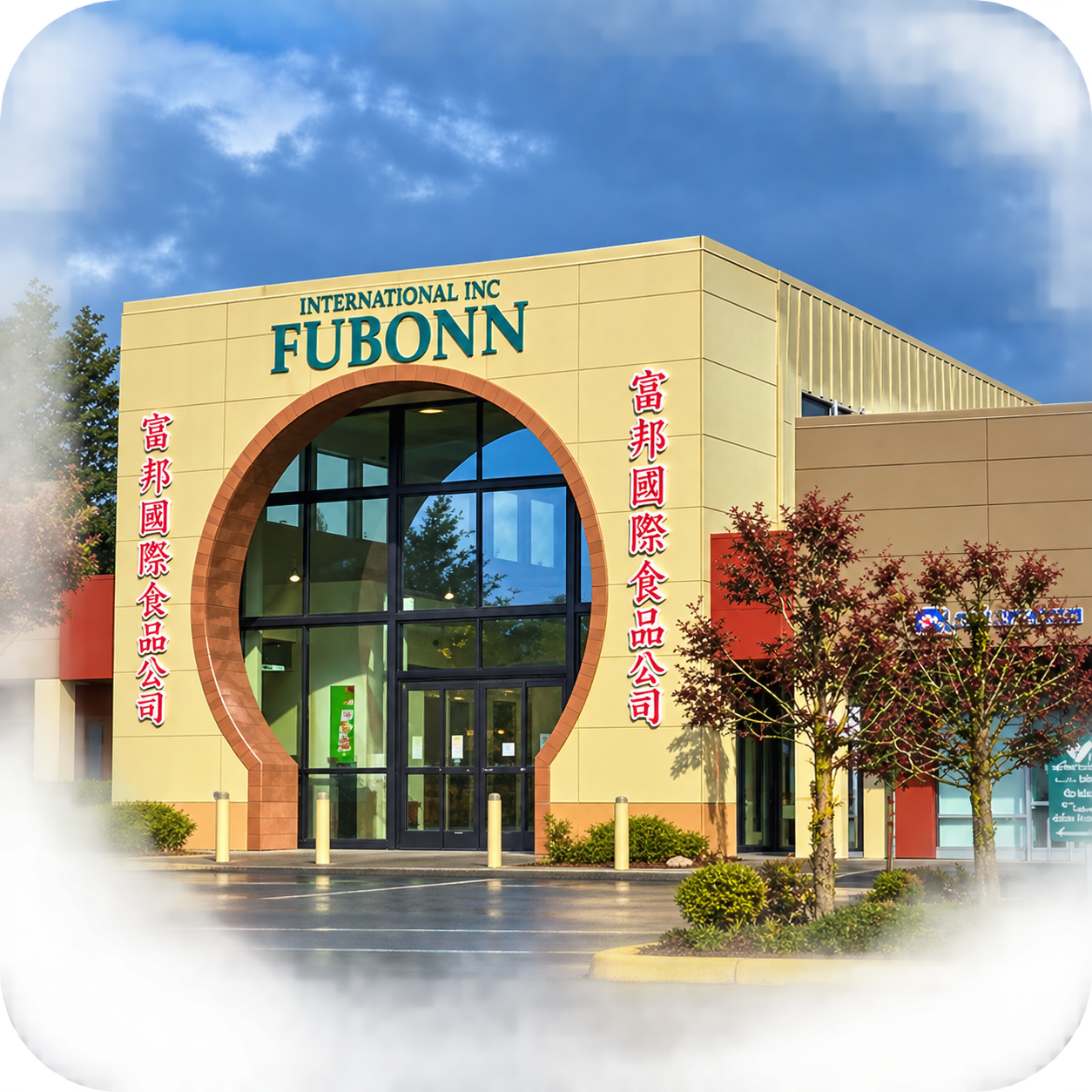
Click image to go to their website.
Fubonn
Tigard H-Mart
Cali Saigon Mall
Local Latin Markets & Carnicerías
- Exclusive Latin Products & Authentic Staples: Major supermarkets carry limited international aisles, but local Latin markets stock specialized imported products, regional ingredients, traditional spices, and authentic pantry goods that corporate chains don’t carry.
- Community Staples & High Customer Traffic: Because of these exclusive product lines, fresh panadería goods, and authentic house-made items, the Hispanic community relies heavily on these local markets and flocks to them for everyday shopping.
- Specialty Cuts & Custom Prep (Not Cheap, But Specialized): Unlike Asian butcher counters that focus on high-volume discount pricing, Latin carnicerías are generally not cheap. Their value comes from custom prep and specialty cuts—such as thin-sliced diezmillo (ranchera), pre-marinated carne asada, and fresh carnitas—that standard chain supermarkets don’t carry or prepare correctly.
- Focused Selection vs. Asian Market Variety: While Latin markets offer unique regional cuts, they typically carry a more targeted meat selection compared to the vast, whole-animal variety and seafood counters found in specialty Asian markets.
- Uncovering “Off-the-Grid” Local Stores: Corporate search engines and map apps frequently miss smaller neighborhood spots—like the Latin market on Pacific Highway right before the SW Hall Blvd bridge in Tigard. Local Cart tracks these local spots so you can find specialty prep and fresh inventory that standard maps skip over.
📄 Other Pages
Compare Prices (landing page)
Compare Prices is the landing page for Local Cart. Build your shopping list, find local stores, and compare prices side by side. The Local Cart logo at the top of any page brings you back here.
History
A Pro page ($10 a month, with a 30-day free trial and no payment information collected until after the trial). It lists the stores you saved and an inventory of items you buy. Green check and red X keep it in sync with Compare Prices.
How It Works (this page)
You are here! This page explains every feature on the site, how to use the map, and what is coming next. We update it as new features go live.
Expansion
This website was made for the metropolitan cities of Portland, OR, Clackamas, Gresham, Lake Oswego, Tigard, King City, and Newberg. As you give me feedback on surrounding cities and their zip codes, I will add them and edit in the stores for those cities and zip codes. The website is only as big as the feedback you give me about where you want it served. Should this website be successful, I will build other like websites for city areas outside the metropolitan cities. Also, at some point when I get Local Cart (pdxcart.com) fully operational in all that you see, a Spanish version of this website is coming.
Spanish version coming soon
Contact & Store Services
Reach Roger Hall by phone, text, or email. Send general feedback, report a problem, or ask about listing your independent market on Local Cart. I also assist local store owners with web design, inventory setups, and finding the best Point of Sale (POS) system tailored to your store’s specific workflow and checkout needs. Go to Contact.
💡 Quick Tips
- Your Zip Code is remembered between visits so you do not have to type it again.
- Use the GPS button to let the browser find your location automatically.
- Stores discovered by Google Places (when you pan the map into a new area) are added to your results automatically. They use estimated pricing until a live data feed is connected.
- All prices shown right now are sample data. Real store prices will be connected as we partner with each retailer’s data feed. Kroger (Fred Meyer, QFC) is the first planned integration.